How to Make a Lyric Video (3 Best Ways)
A lyric video shows every word exactly when it is sung. Doing that by hand in CapCut or Canva easily takes an hour for a full song, with automatic recognition it is done in about a minute. Here are all three methods, step by step.
 Lena Brandt
Published: 15.10.2026
Last updated: 15.10.2026
Lena Brandt
Published: 15.10.2026
Last updated: 15.10.2026
Key takeaways
- A lyric video needs three things: the finished song, the lyrics and a format (9:16 for TikTok, Reels and Shorts, 16:9 for YouTube).
- The hard part is not the design but the timing: every line has to appear exactly when it is sung.
- The fastest way is automatic: upload the song, the AI recognizes every word and puts it on the beat. With CustomSongwriter the preview is usually ready in under a minute.
- The CapCut mobile app has an auto lyrics feature, but it needs clearly audible vocals and is not available in every region.
- In Canva you place every line of text by hand. You get full creative control, but a whole song takes a lot of time.
- Only use songs you have the rights to: your own songs, your band's songs, or a song that was written for you.
A good lyric video lives or dies by one thing: timing. Every line, often every single word, has to appear exactly when it is sung, and a word that shows up half a second early is noticed right away. That is exactly where the three methods we walk you through here differ.
What you need before you start
- The finished song as an audio file. Ideally MP3, WAV or M4A. Don't have one yet? You can make one yourself with AI tools (see our comparison of Suno alternatives) or have a personal song written for you. Most tools also accept a video with a soundtrack.
- The lyrics. Not strictly required if the tool recognizes the words itself, but with the correct lyrics every word is right from the start. One line of lyrics becomes one line on screen.
- A decision on the format. Vertical 9:16 for TikTok, Instagram Reels and YouTube Shorts, widescreen 16:9 for YouTube and the TV, square 1:1 for the Instagram feed.
- The rights to the song. More on that below. It is the point where most uploads run into trouble later.
Method 1: Make a lyric video automatically with AI
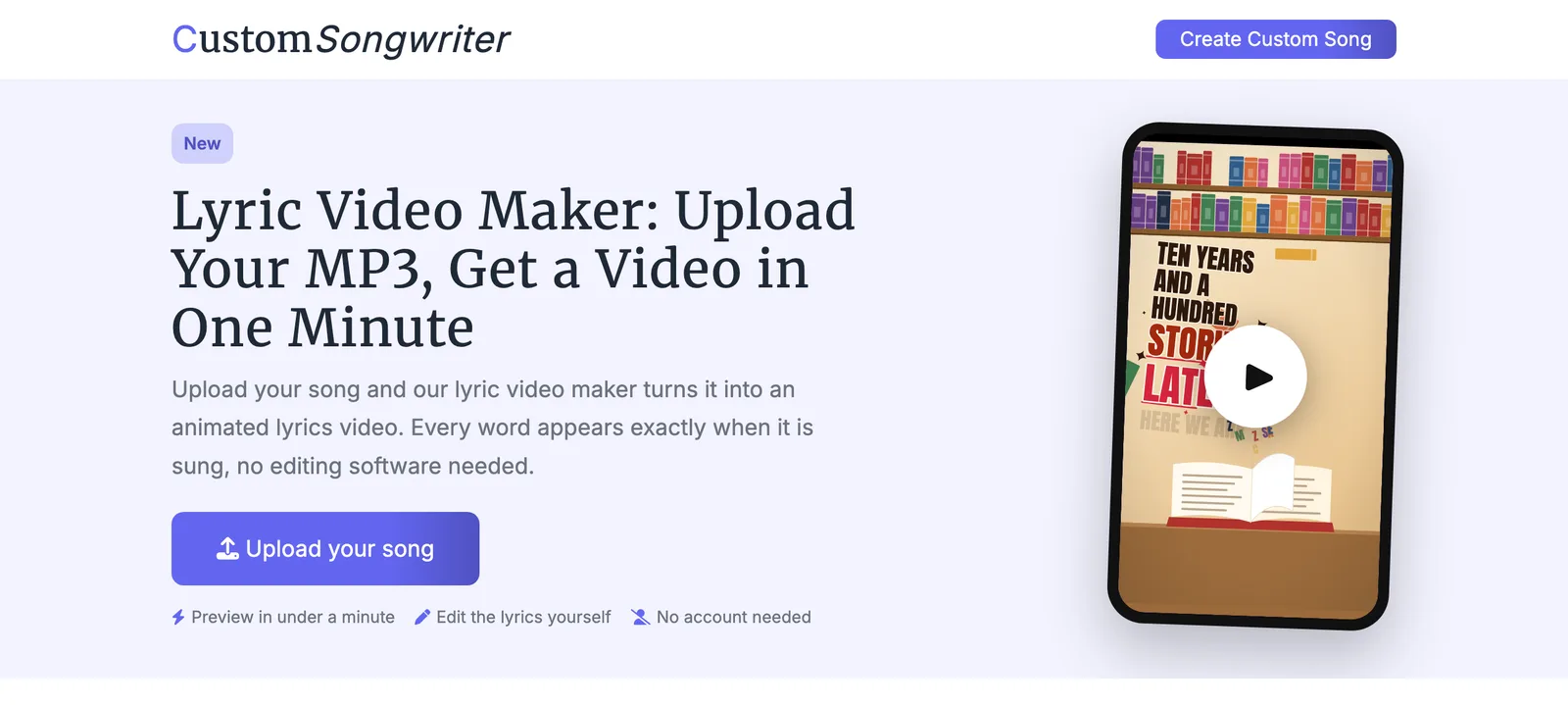
The fastest way is a lyric video generator that listens to your song and handles the timing for you. Here is how it works with the CustomSongwriter lyric video maker:
- Upload your song. MP3, WAV, M4A, AAC, FLAC, OGG or a video with sound, up to 15 minutes long. No account needed.
- Choose a format. Vertical for TikTok and Reels, widescreen for YouTube, or square.
- Choose a style. The styles range from clean and easy to read to colorful, animated looks.
- Paste the lyrics (optional). Leave the field empty and speech recognition picks up the words automatically.
- Watch the preview. It is usually ready in under a minute and shows the first 45 seconds. A word recognized wrong? Fix the text right in the preview and the video is rebuilt.
- Download your video. If you like the preview, you get the full video as an MP4 without a watermark.
What a lyric video from the lyric video maker looks like
Three examples, one per format. Turn the sound on and tap play.
Good for: anyone who wants a finished video without spending hours dragging lines of text around. Less good for: people who want to design every line individually, add photos or cut scenes. That is what the next two methods are for.
Method 2: Make a lyric video with CapCut on your phone
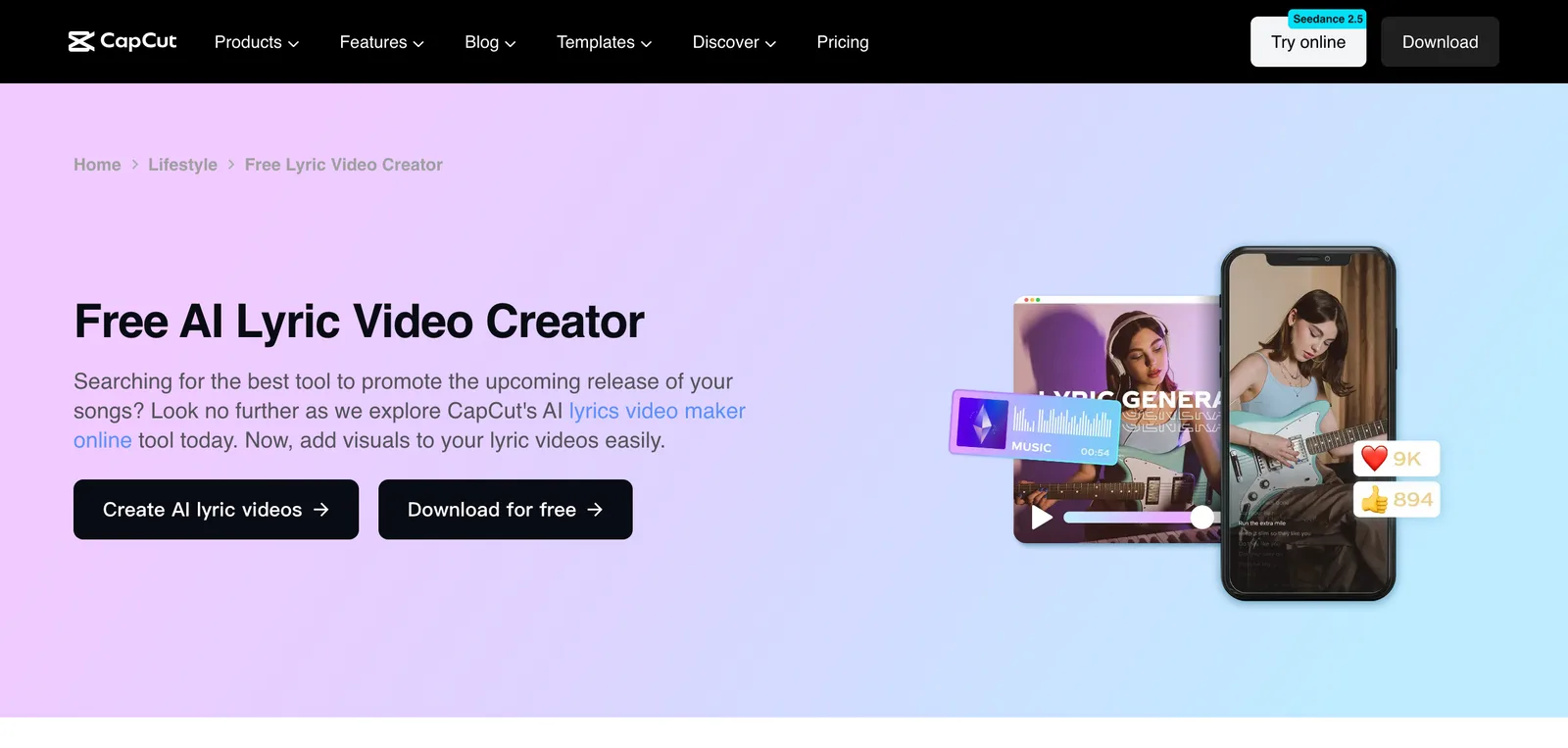
CapCut is the editing app behind many TikTok videos, and its mobile app has a feature for automatic lyrics1. Here is how:
- Open CapCut, tap New project and pick a background video or photo.
- Add the song, via Audio or by importing the file.
- Tap Text in the bottom bar.
- Select Auto lyrics, set the language and confirm.
- Wait until the lines appear on the timeline, then correct misrecognized words one by one.
- Pick a font and animation, then save via Export.
CapCut itself names two limitations: the feature is only available in the mobile app, and it needs clearly audible vocals1. If you can't find the menu item, it may be your region or an outdated app version. With dense production, choirs or heavy reverb, expect to fix many lines by hand.
Good for: short clips for TikTok and Reels if you already edit in CapCut. Less good for: full songs with many verses, because every correction on a small screen is fiddly.
Method 3: Design a lyric video in Canva
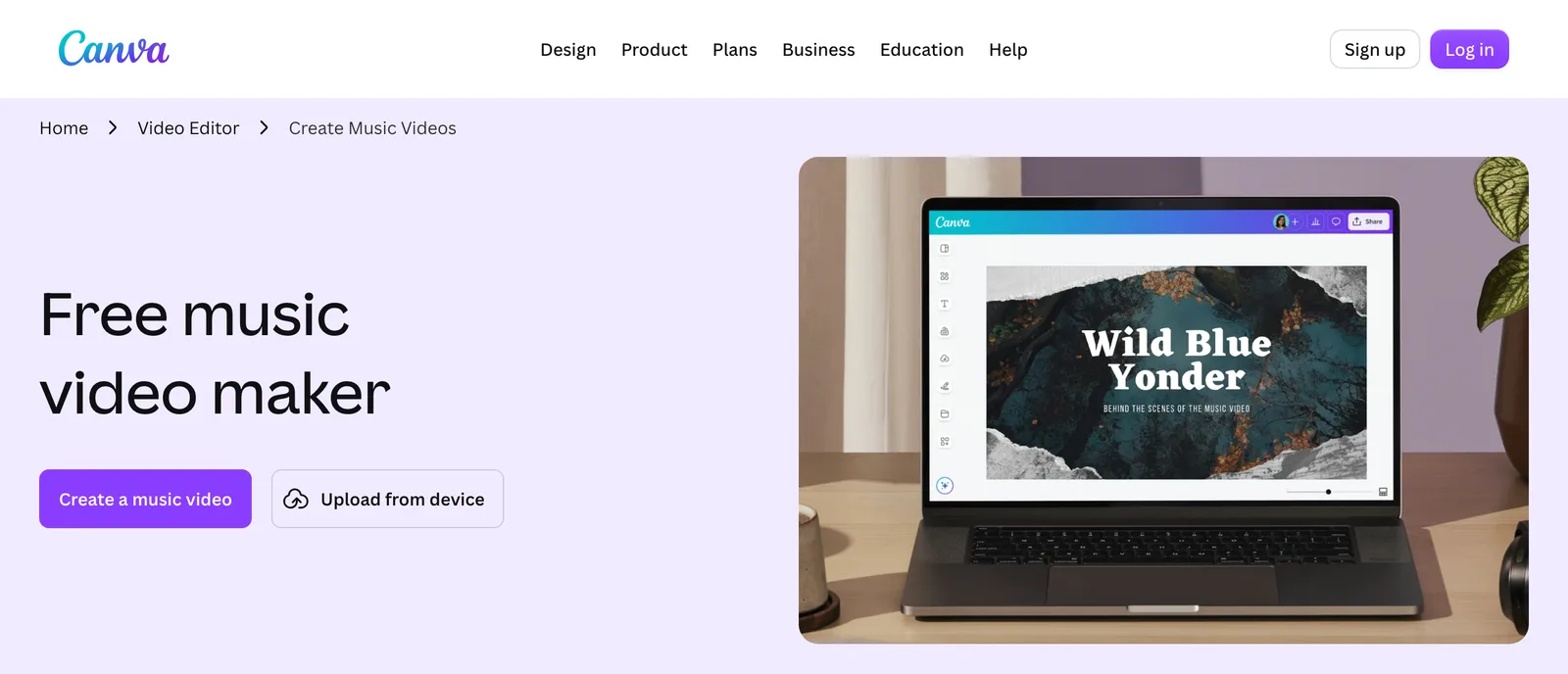
Canva is really a design tool, but it can do video too. There is no automatic lyric sync, so you place every line at the right spot by hand:
- Create a new design of type Video, in 16:9 or 9:16.
- Upload the song and drag it onto the timeline.
- Create a separate text box for every line of lyrics, easiest is one page per line.
- Set the duration of each page so the line matches the vocals. This is the time-consuming part.
- Give each text an animation, such as fade in or typewriter.
- Save as MP4 via Share and Download.
Good for: a fully styled video with your own photos, colors and fonts, if you have the time. Less good for: word-accurate timing. A three-minute song with 40 lines easily takes an hour, and the result is accurate to the line, not to the word.
Other tools at a glance
Beyond the three methods there are specialized services, most of them subscription based:
- Kapwing is a browser-based video editor with its own lyric video page. The free plan exports with a watermark in 720p and at most four minutes per video2.
- Rotor Videos is built for musicians. The preview is free, the download is paid: either by subscription from $9.99 a month or with credits, where a lyric video costs four credits3.
- VEED and FlexClip are general online video editors with automatic subtitles and templates. They are built for spoken language, so with vocals a test run is worth it.
The three methods compared
| AI (CustomSongwriter) | CapCut | Canva | |
|---|---|---|---|
| Timing | automatic, word-accurate | automatic, manual fixes | fully manual |
| Time for a full song | about a minute plus fixes | 15 to 45 minutes | about an hour |
| Device | phone or computer, in the browser | mobile app only | phone or computer |
| Sign-up | not needed | app install | account required |
| Design | ready-made styles | free | completely free |
| Cost | free preview, video $19.99 one-time | free version, extras by subscription | free version, extras by subscription |
The times are our own experience for a three-minute song, not figures from the providers.
7 tips for a lyric video people enjoy watching
- Readability beats effects. A clear font with strong contrast against the background beats any animation. If you can't read the text, it is no longer a lyric video.
- Short lines. Six to eight words on screen at most. Split long lines at a natural breath.
- A calm background. A gently moving gradient or a blurred photo distracts less than a busy video.
- Safe zones in vertical format. On TikTok and Reels the caption sits at the bottom and the buttons on the right. Keep the text in the middle of the frame.
- Don't leave instrumental parts empty. Title and artist at the start, a subtle transition during the break.
- Use the correct lyrics. Automatic recognition gets names, dialects and made-up words wrong. A quick look at every line pays off.
- Export in good quality for YouTube. YouTube is the biggest platform for lyric videos, see our YouTube Music statistics. The platform recommends MP4 with H.264 and the frame rate the video was made in4.
Which songs am I allowed to use?
A lyric video is an adaptation of the song, and the lyrics themselves are protected by copyright. Your own songs, your band's songs, music with a license that explicitly allows videos, and songs written for you are fine. You can make a lyric video to a famous chart hit for yourself in private. If you upload it publicly, YouTube usually detects the original automatically, and the revenue goes to the rights holder or the video gets blocked. How fast AI music is growing on the platforms and how it is labeled there is covered in our AI music statistics.
A personal song is a nice special case: if you have a custom song made for a birthday or a wedding, you can turn it into a lyric video afterwards and play it at the party or send it to every guest.
Bottom line: which method fits you?
CustomSongwriter lyric video maker
The fastest way if you have a finished song and want a finished video: upload, pick a format, and the AI puts every word on the beat. The preview is free, the full video is a one-time $19.99 in the lyric video maker.
CapCut
Good and free for a short clip if you already edit in CapCut. For a full song, fixing lines on your phone quickly becomes tedious.
Canva
The best choice when photos and design come first, for example a wedding slideshow. In return, you do all the timing by hand.
Kapwing
A browser-based video editor for anyone who wants to cut their own footage. Full songs without a watermark require a paid plan.
Rotor Videos
For musicians who release regularly and use lyric videos on a subscription. Downloads start at $9.99 a month or work with credits.
Frequently asked questions
What is a lyric video?
A lyric video is a music video where the lyrics are the star. Every line, often every single word, appears exactly at the moment it is sung. Artists often release lyric videos on YouTube before the official music video, short clips with on-screen lyrics are a format of their own on TikTok and Instagram Reels, and a lyric video turns a personal song into something people can watch and sing along to together.
How do I make a lyric video for free?
You can do it for free with CapCut on your phone or with the free version of Canva, but there you place the lines fully or partly by hand. With CustomSongwriter the preview is free and needs no sign-up: upload your song and watch the first 45 seconds of your lyric video. The full video without a watermark is a one-time $19.99.
How long does it take to make a lyric video?
With automatic recognition the preview is usually ready in under a minute. In CapCut a full song takes 15 to 45 minutes depending on corrections, in Canva with manual timing about an hour.
Can I make a lyric video on my iPhone?
Yes. The CustomSongwriter lyric video maker runs in the browser, so it works in Safari on the iPhone. Alternatively, the CapCut app has an Auto lyrics feature under Text that recognizes the lyrics and places them on the timeline.
What format do I need for TikTok and YouTube?
For TikTok, Instagram Reels and YouTube Shorts the vertical 9:16 format, for regular YouTube videos widescreen 16:9. For the Instagram feed, square 1:1 works best.
Do I have to type in the lyrics myself?
Not necessarily. Automatic tools recognize the words from the vocals. If you paste the lyrics, though, every word is right from the start, especially names and unusual words.
Can I upload a lyric video to a famous song?
Only with permission from the rights holder. You can make one for yourself in private, but on YouTube or TikTok the original is usually detected and the video is blocked or the revenue goes to the rights holder. Your own songs and songs written for you are no problem.
Use this data
Running a site or writing an article? Link to our research with this ready-made snippet:
Cite this report
You may freely use this data as long as you link back to this page. Copy one of the citations below:
Sources
- CapCut Help (capcut.com)
- Kapwing (kapwing.com)
- Rotor Videos (rotorvideos.com)
- YouTube Help (support.google.com)